Documentation
NekoBot User Guide
This documentation covers the public release workflow and user-facing setup: overlays, connectors, chat, rewards, command triggers, reusable sources, CosyVoice TTS, and settings.
Download & Install
Install NekoBot and find the local setup page.
Quick Setup
Connect a platform, create one OBS overlay, then add text and media boxes inside it.
Overlay Setup
Create one full-scene OBS overlay with multiple triggered boxes inside it.
Streamer.bot Connector
Bridge existing Streamer.bot workflows into NekoBot's connector model.
Connectors
Manage Streamer.bot, Twitch, and Kick connector instances and connection state.
Command Triggers
Create NekoBot triggers, cooldowns, connector event bindings, and action flows.
Channel Rewards
Define shared rewards and map them to Twitch or Kick connector reward settings.
Chat
Monitor messages coming from connected chat-capable connectors.
Manage Sources
Audit reusable sources, preview media, inspect usage, and clean cached files.
Settings
Configure the app port, logging, updates, and daily log files.
Components
Read UI option references for Overlay, Box, Add Source Dialog, Add Trigger, IF/Else, and Argument Control components.
Examples
Build common overlays such as chat text, media commands, and TTS responses.
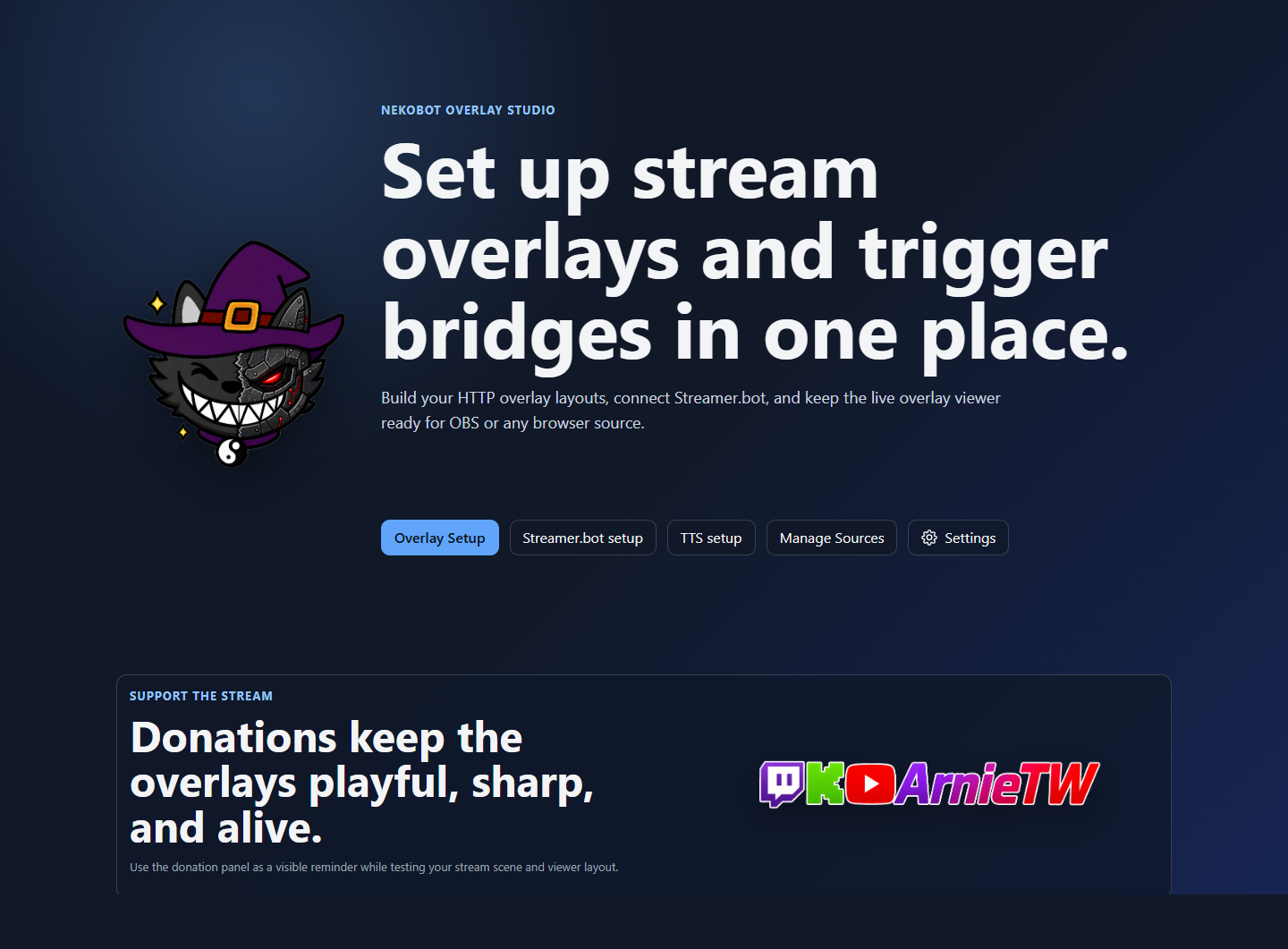
Setup Home
The setup home is the starting point for overlay editing, connector status, command triggers, chat, rewards, CosyVoice TTS, source management, and app settings.
Download & InstallUse first. It explains where the release comes from, how to launch the app, and how to reach Setup Home.Quick SetupUse after install. It walks through the first Streamer.bot bridge, OBS overlay, text box, and media box.Setup PagesUse when you need page-level explanations for Overlay Setup, Connectors, Command Triggers, Channel Rewards, Chat, CosyVoice TTS, Manage Sources, or Settings.ComponentsUse when you need detailed explanations of a specific UI component or dialog.ExamplesUse when you want a recipe for a specific overlay behavior.TroubleshootingUse when something fails to connect, render, trigger, play, or synthesize.